WebP, AVIF and JPEG: which to use and when
Modern image formats are substantially smaller at the same quality, and choosing between them is simpler than the comparisons suggest. Three questions settle it.
Short answer
Use AVIF for photographs on a web page you control, WebP where you need broader compatibility with almost no downside, and JPEG for files people will download and open in anything. Keep PNG only for images that need real transparency or sharp-edged graphics, and never re-encode a compressed file — go back to the original.
On this page
Every few years a new image format arrives — WebP, then AVIF — the comparisons focus on percentages, and most people carry on using JPEG. The percentages are real, but the decision is simpler than the benchmarks make it look.
What each is for
JPEG — thirty years old, opens in everything, lossy. Still the correct answer for a file someone will download, email or open in software you cannot predict.
PNG — lossless, supports transparency, and much larger for photographs. Correct for logos, screenshots of interfaces, diagrams and anything with sharp edges or text. Wrong for photographs, where it produces enormous files for no visible benefit.
WebP — smaller than JPEG at the same quality, supports transparency and animation, and works in every current browser. The safe modern default.
AVIF — smaller again, particularly at low bitrates, with better colour and gradient handling. Supported across current browsers, slower to encode, and less well supported outside browsers.
HEIC — what modern phones shoot. Excellent compression, poor compatibility outside Apple platforms. Convert before sharing, or the recipient gets a file they cannot open.
The three questions
1. Will a browser display it, or will a person open it?
A browser you control: AVIF, with WebP or JPEG as a fallback. A file someone downloads: JPEG, every time. This one question resolves most cases.
2. Does it need transparency or sharp edges?
Yes: PNG, or WebP if size matters and support allows. Photographs never need this, and using PNG for one is the most common avoidable mistake in this whole subject.
3. How large is it on screen?
Match the exported width to the display width, roughly doubled for high-density screens. A 4000-pixel photograph displayed 800 pixels wide wastes far more data than any format choice recovers. Resolution beats format, always, and it is the step people skip.
Serving both, without doing it twice
On a page you control, offer the modern format with a fallback and let the browser choose:
<picture>
  <source srcset="photo.avif" type="image/avif">
  <source srcset="photo.webp" type="image/webp">
  <img src="photo.jpg" alt="A description of the photograph" width="1200" height="800">
</picture>
The browser takes the first format it supports. Always include width and height — they let the browser reserve the space before the image arrives, which is what stops the page jumping as it loads.
Most image CDNs and site frameworks do this automatically. If yours does, the format question is already answered and only the resolution question remains.
Converting in bulk, without uploading
The same privacy point as any file tool: photographs of family, clients or work are not files to hand to a free converter you know nothing about.
- The system tools convert images without any download — Preview on macOS, Photos on Windows, and both operating systems' automation tools for batches.
- Browser-based converters built on WebAssembly do the work in the tab. Verify by disconnecting the network before processing.
- ImageMagick or cwebp/avifenc locally, for large batches.
# A folder of JPEGs to AVIF, 1600px wide, locally
for f in *.jpg; do
  magick "$f" -resize 1600x avif:"${f%.jpg}.avif"
done
Do not re-encode a compressed file. Converting a JPEG to AVIF applies a second round of lossy compression to damage that is already there. Go back to the original whenever you still have it.
What to keep
Keep originals. Storage costs almost nothing and a format you can re-export from is worth more than any single export — the next format will arrive, and the choice you make today is only ever the current best answer.
What decides an image format?
An image format is a set of trade-offs between file size, quality, compatibility and features such as transparency and animation. No format wins on all 4, which is why the choice depends on where the file is going rather than on which is technically best.
The 3 questions that resolve almost every case: will a browser display it or will a person open it, does it need transparency or sharp edges, and how large is it on screen.
How do the formats compare?
| Format | Relative size | Transparency | Opens everywhere | Best for |
|---|---|---|---|---|
| JPEG | Baseline | No | Yes | Downloads, email, anything unpredictable |
| PNG | Much larger for photos | Yes | Yes | Logos, screenshots, diagrams |
| WebP | About 25–35% smaller | Yes | Current browsers | The safe modern default on the web |
| AVIF | About 40–50% smaller | Yes | Current browsers | Pages you control, with a fallback |
| HEIC | Small | Yes | Apple platforms | What phones shoot; convert before sharing |
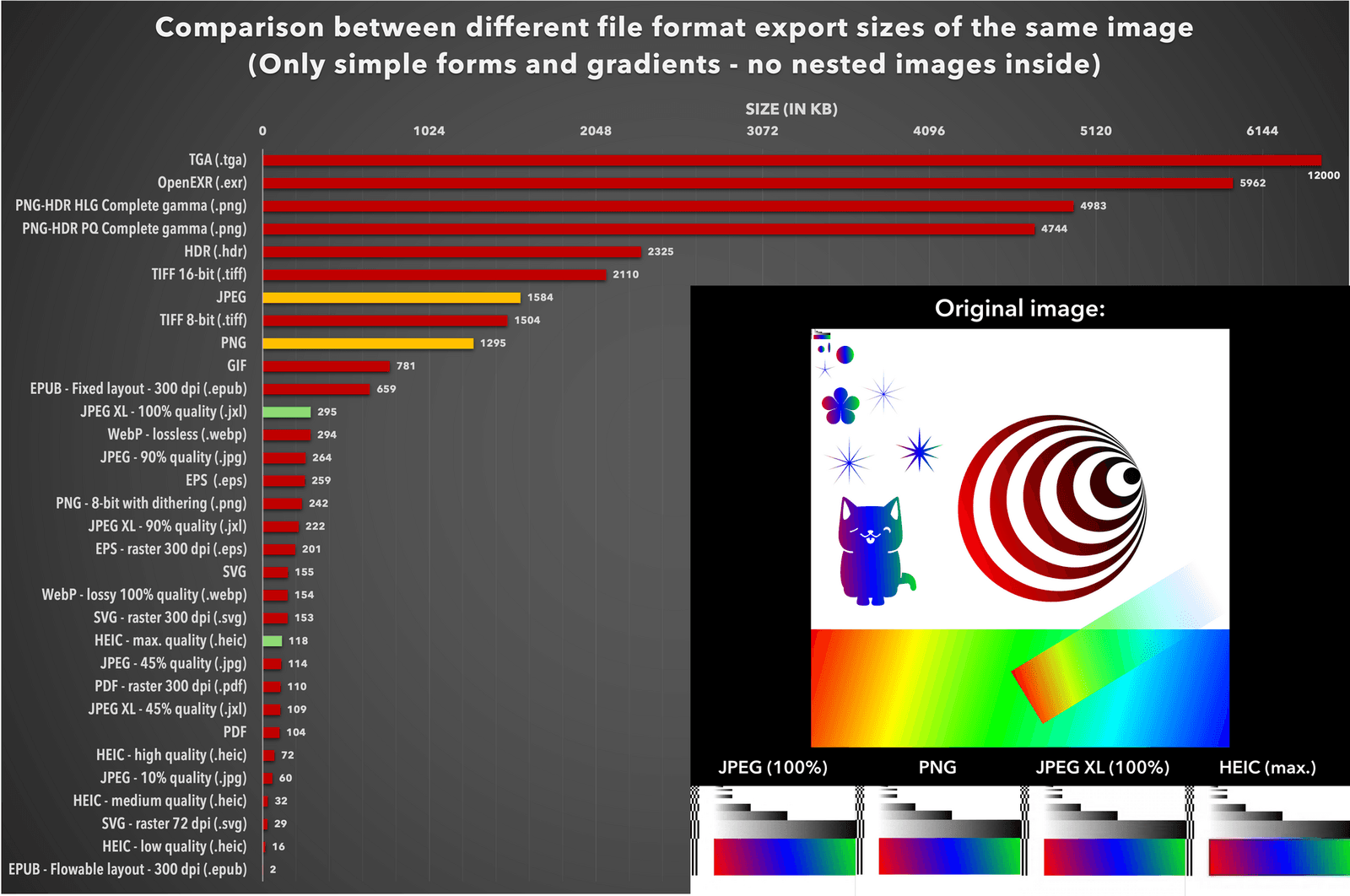
The percentages vary by image, and the honest summary is that the newer formats are meaningfully smaller at the same visual quality and slower to encode.
Does the format matter more than the size?
No, and this is the part people skip. A 4000-pixel photograph displayed 800 pixels wide wastes more data than any format choice recovers. Match the exported width to the display width, roughly doubled for high-density screens, and then pick an image format.
One rule to keep: never re-encode a compressed file. Converting a JPEG to AVIF applies a second round of lossy compression to damage that already exists. Go back to the original, which is the reason to keep originals at all.
More in our guides to image tools, video tools and the online tools that do this without an upload.
Where each format is supported
WebP is a lossy and lossless image format that every current browser displays, which is what makes it the safe modern default rather than the smallest option. AVIF is smaller again and equally well supported in current browsers, but less so in desktop applications and older devices.
For a page you control, serve AVIF with WebP and JPEG fallbacks in a picture element and let the browser choose. For a file someone downloads, JPEG remains correct, because you cannot predict what will open it.
The MDN image format guide is the reference worth bookmarking; it tracks support properly, which no article can.
Converting without uploading
The same privacy question applies as to any file tool. Photographs of family, clients or work are not files to hand to a converter you know nothing about.
The system tools convert images with no download at all — Preview on macOS, Photos on Windows, and both systems' automation apps for batches. Browser-based converters built on WebAssembly do the work in the tab; verify by disconnecting the network before processing. For large batches, ImageMagick locally is faster than any of them.
Keep the originals whichever you use. Storage costs almost nothing, and an original you can re-export from is worth more than any single export — the next format will arrive, and today's choice is only the current best answer. That is the whole of it: pick by destination, size before format, and never re-encode what is already compressed once. Formats will keep arriving; the decision procedure above will not need rewriting when they do. Pick by destination, size the image first, keep the original, and the rest is detail that changes every few years.
Frequently asked questions
- Should I just switch everything to AVIF?
- For images on a page you control, with a fallback, yes. For files people download and open in unpredictable software, JPEG remains the right answer for compatibility.
- Is WebP still worth using now AVIF exists?
- Yes. It is smaller than JPEG, universally supported in current browsers, faster to encode than AVIF, and a good middle option in a picture element's fallback chain.
- Why not use PNG for photographs?
- PNG is lossless, so a photograph becomes an enormous file with no visible improvement. Keep PNG for logos, screenshots, diagrams and anything with transparency or sharp edges.
- Does converting a JPEG to AVIF improve it?
- No — it re-compresses damage that is already there. Convert from the original whenever you still have it, which is the main reason to keep originals.
Sources
- Image file type and format guide — MDN Web Docs
- AV1 Codec — Alliance for Open Media
- ImageMagick — ImageMagick
Published by
Loopara
Practical guides, free tools, workflows, and resources for productivity, files, images, video, text, creators, and everyday digital tasks.
About the publication